Alarm Handling
The following are ways you can interact with alarms.
Acknowledgment
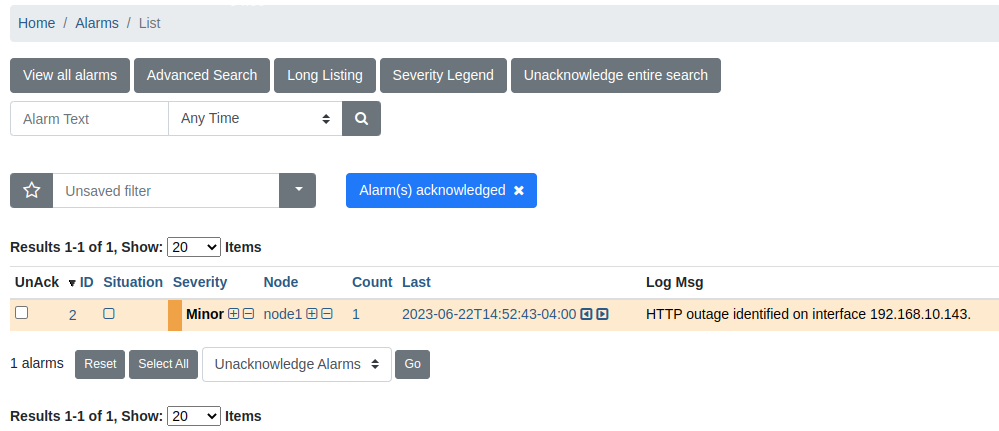
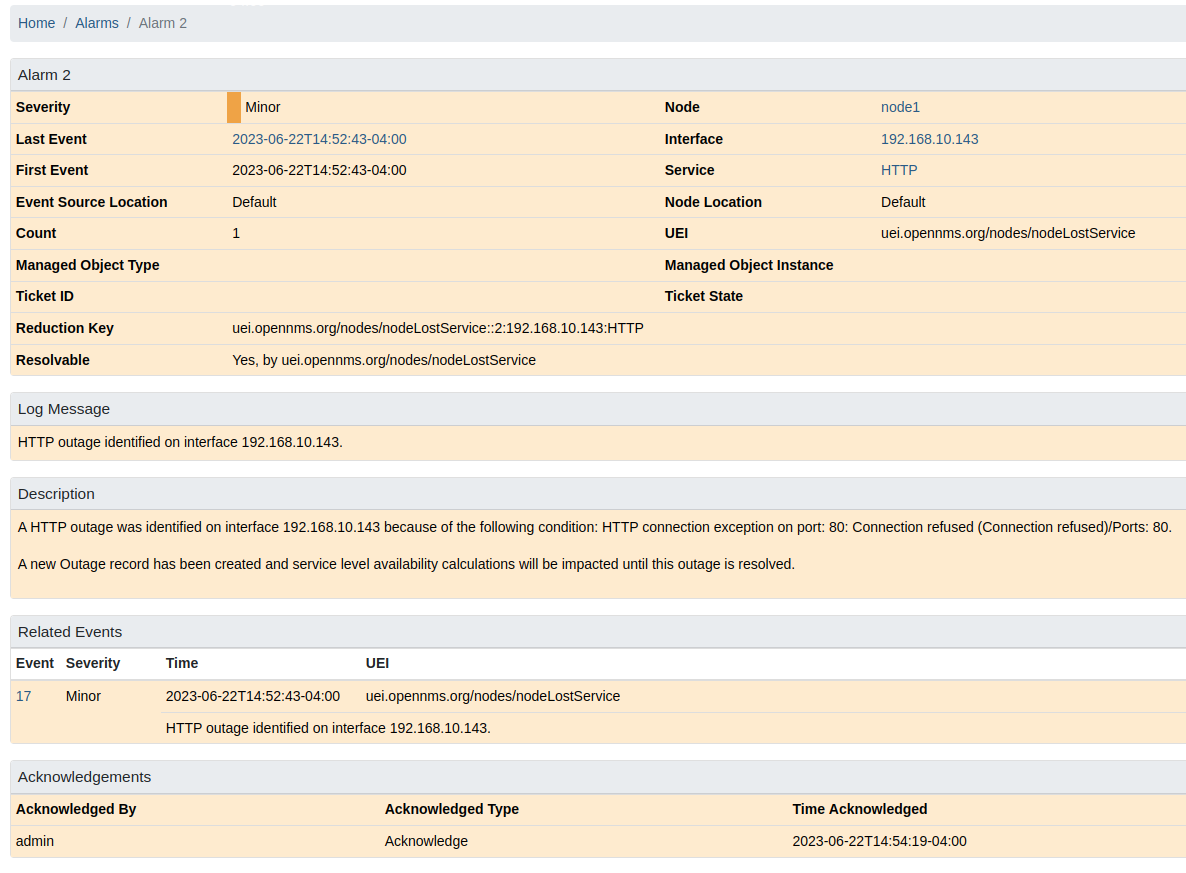
Users can acknowledge alarms to let other Meridian users see that someone is aware of the alarm.
The alarm will be moved out from Alarm(s) outstanding into the Alarm(s) acknowledged view.
Acknowledged alarms will also be hidden from the "Nodes with Pending Alarms" section of the home page.
Clearing
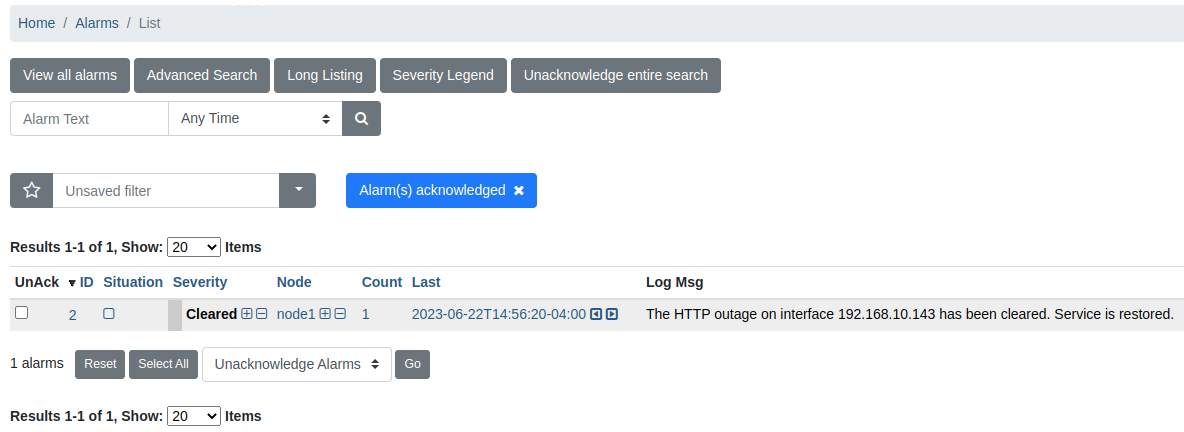
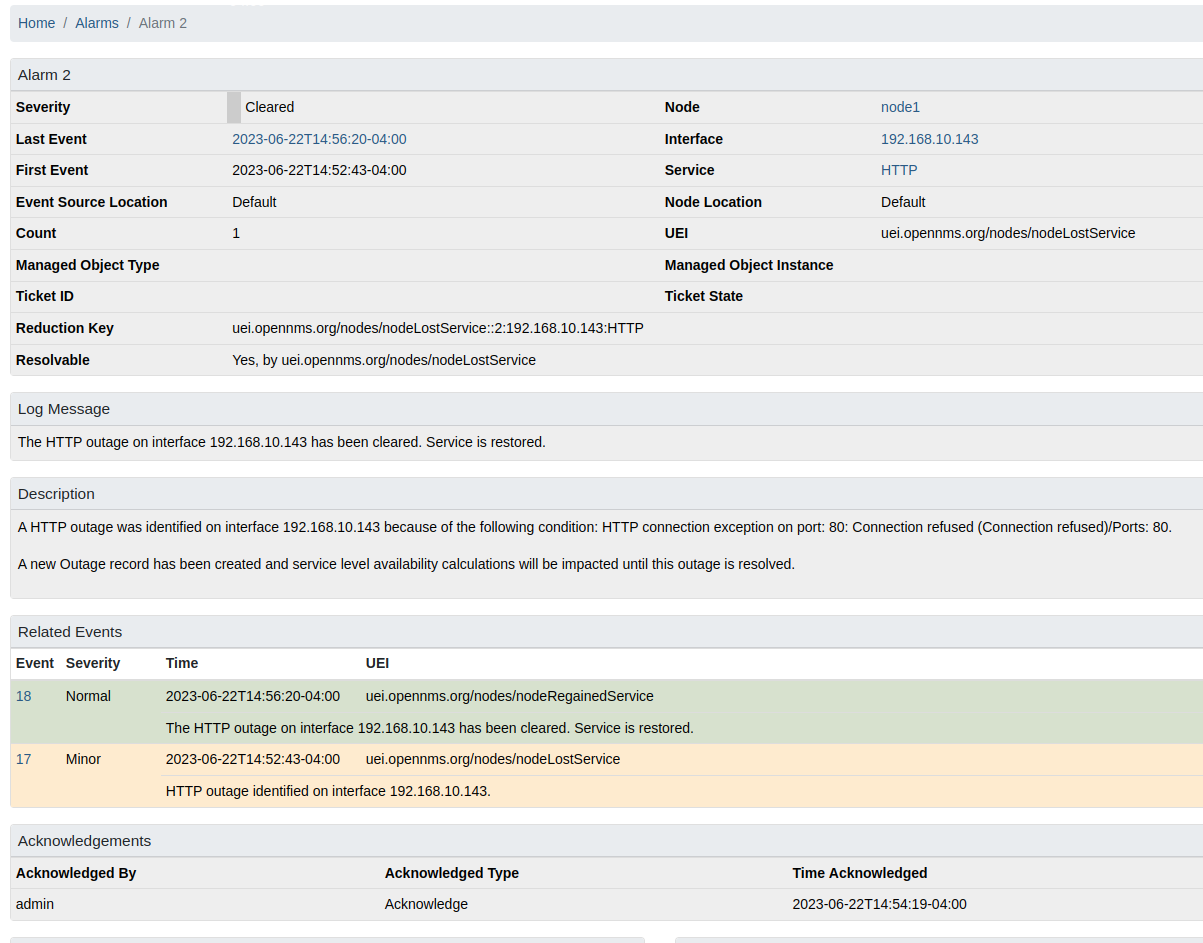
Clearing an alarm means "mark it as resolved".
Escalation
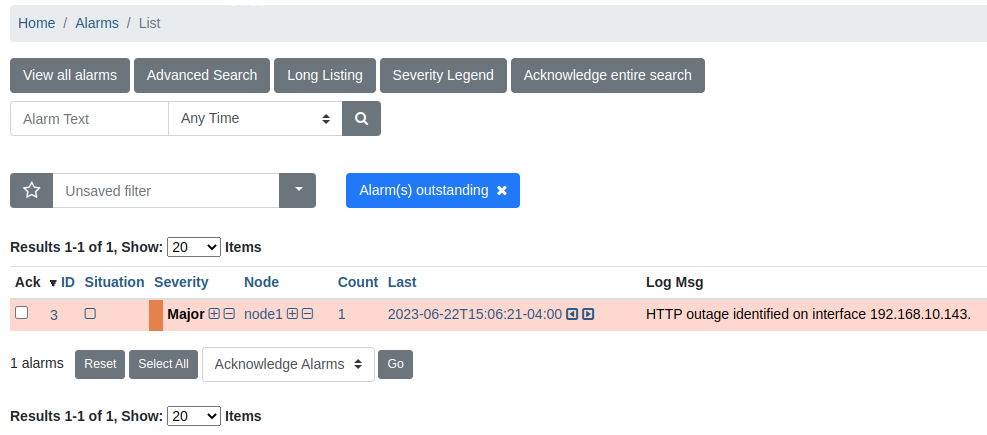
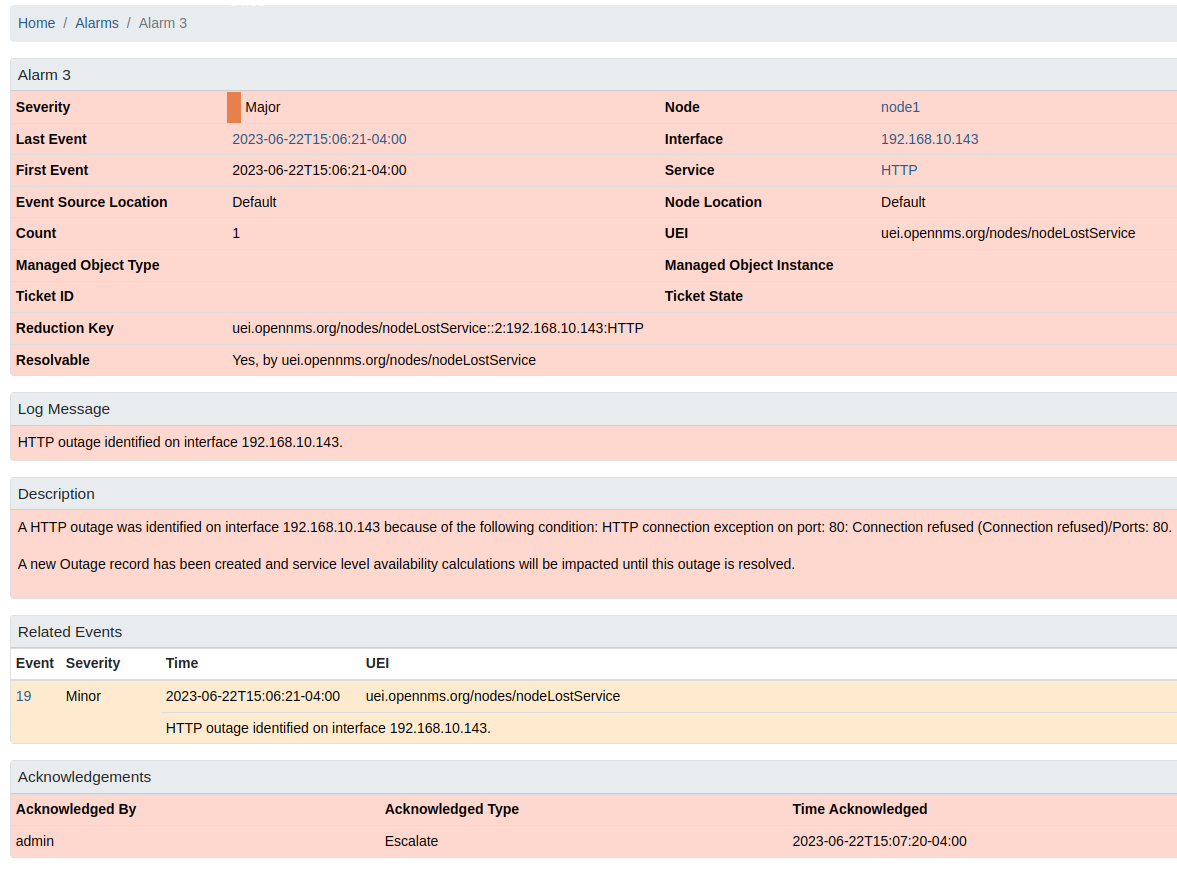
By default, an alarm has the same severity as its most recent event. If an alarm gets escalated, the alarm’s severity increases by one level.
Related events
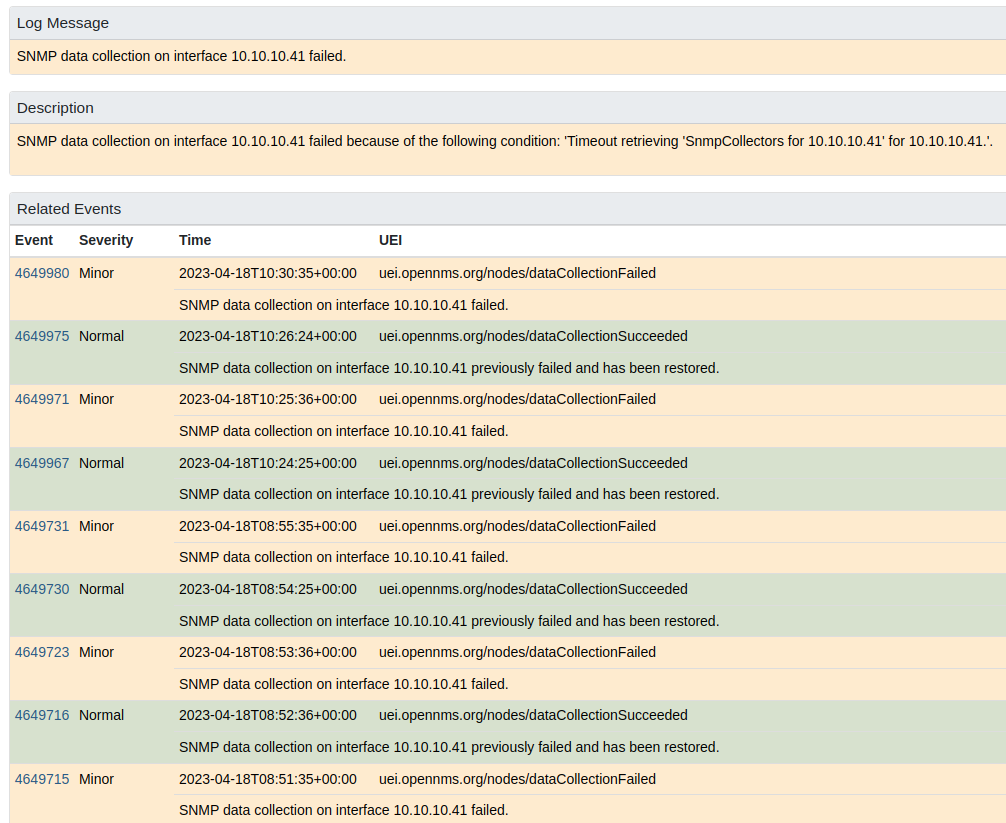
Meridian correlates possible related events into alarms based on events with the same reduction key. You can use the related events section of the alarm details view to see which events have been grouped into the alarm.
Alarm notes
Alarm memos are comments about one alarm or about a group of alarms. Other users can see these memos.
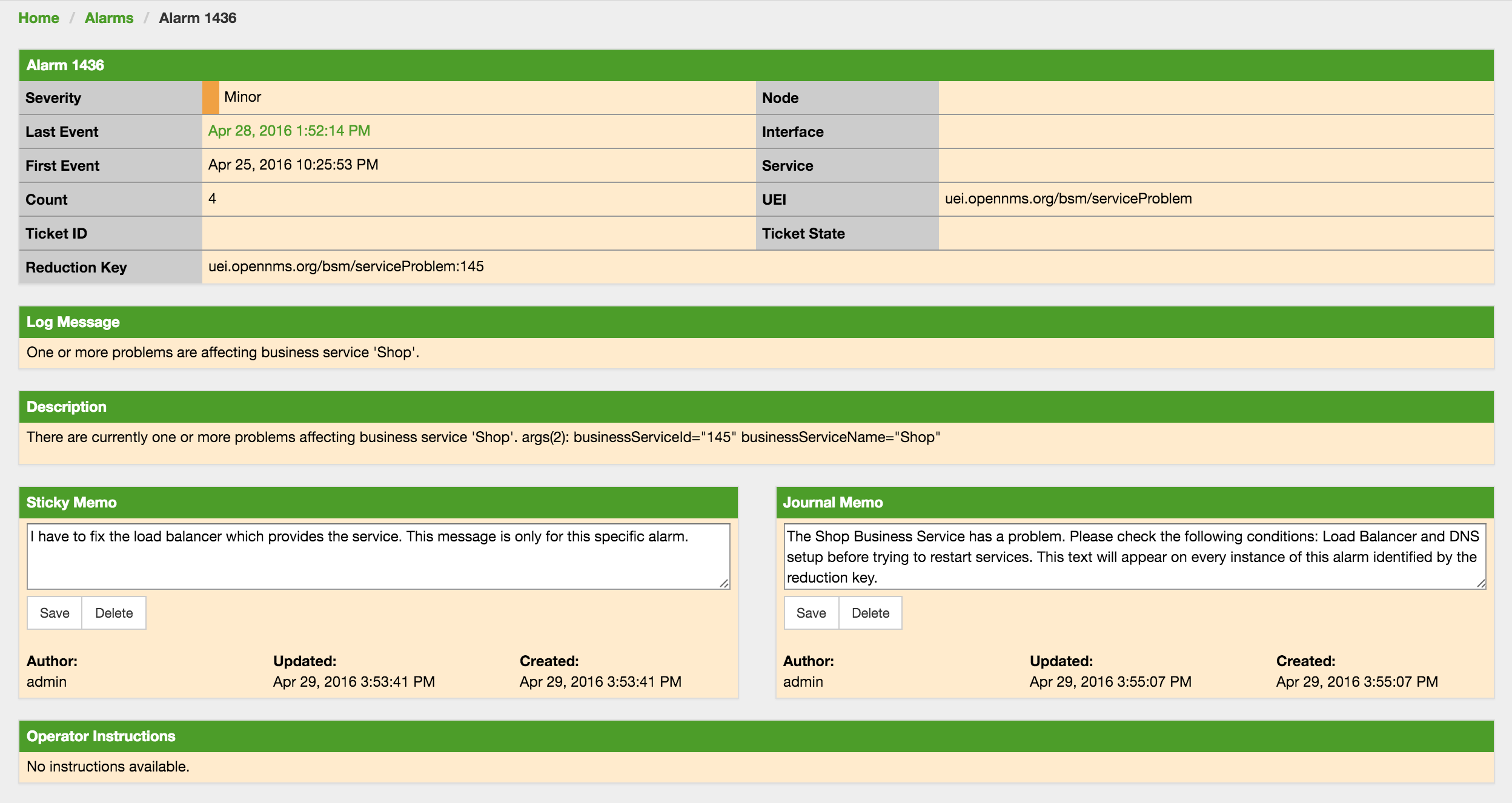
You can add two types of memos:
- Sticky Memo
-
A memo for one alarm. When the system deletes the alarm, it also deletes the sticky memo. With the default alarmd rules, the system deletes a cleared alarm approximately 5 minutes after the last change to the alarm. If a user acknowledged the alarm, the system deletes it after 1 day. The system does not delete an alarm that has an open trouble ticket. If the problem occurs again after the system deletes the alarm, the new alarm does not have a sticky memo.
- Journal Memo
-
A memo for all alarms that have the same reduction key. The journal memo stays when a user acknowledges, clears, or deletes an alarm. The journal memo also stays when the system deletes an alarm. Each new alarm with the same reduction key shows the journal memo.
To remove a memo, click Delete in the memo box on the Alarm Details page.
The Alarm List Summary and Alarm List Detail pages show a symbol for each alarm that has a sticky memo or a journal memo.
Advanced alarm handling
In addition to the manual actions described above, it is possible to automate alarm handling with the use of Drools scripts.
There is a default rule set for handling alarm cleanup in the ${OPENNMS_HOME}/etc/alarmd/drools-rules.d/ directory.
You can find some additional examples in the ${OPENNMS_HOME}/etc/examples/alarmd/drools-rules.d/ directory.